
2026
18 May
Browser Authentication and Phone Verification
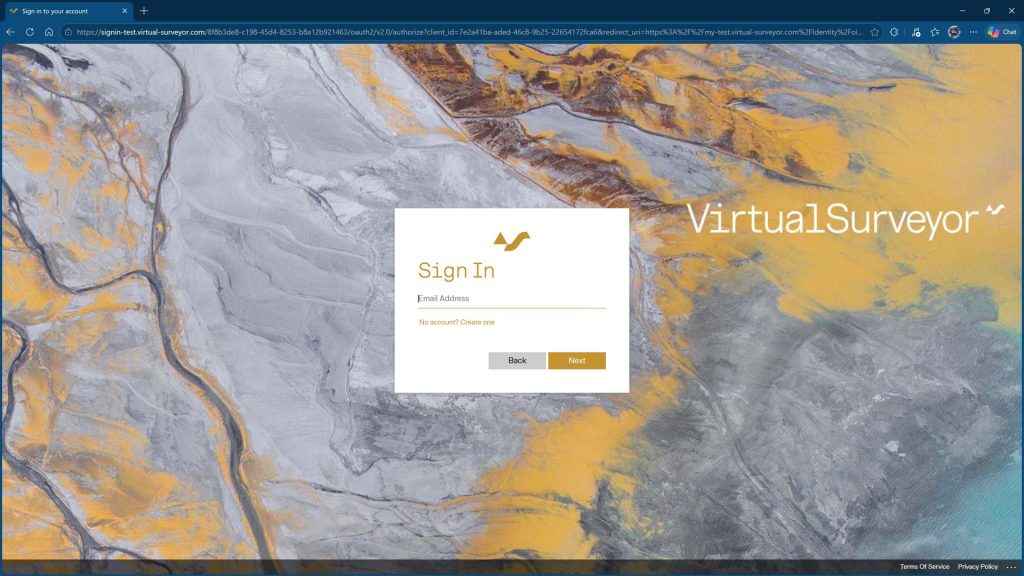
Feature list
- Browser Authentication for desktop apps
- Uniform authentication experience for desktop and web
- Alternate two-factor method with SMS/text messaging
13 January
Local Coordinate System and Save a Copy

Coordinate Systems
- Create Local Coordinate Systems
- Exchange Local Coordinate Systems
- Remember Recently Used Coordinate System
- Additional Coordinate Systems Authorities
Other Features
- Point Gridding Acceleration
- Save a Copy
- Popup Dialog Shortcuts
2025
30 June
One Drive Integration & Search Materials
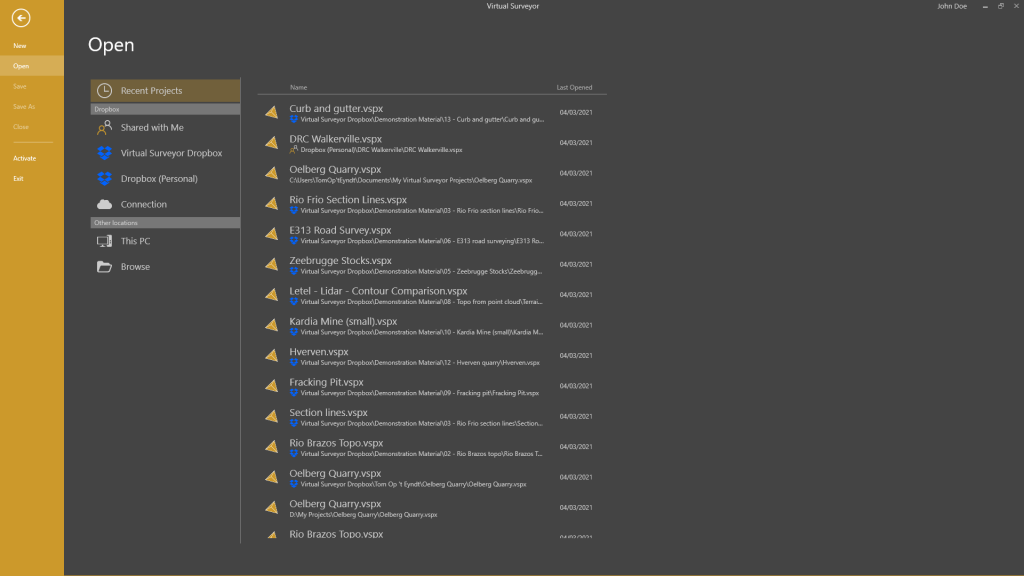
Cloud Locations
- OneDrive/SharePoint integration
- Automatically detect supported cloud locations
- Favorite locations
- Copy terrains to project folder
Materials
- Assign material through right-click
- Search material list
- Tonnage, value, and material annotations
10 March
New Plan Promises. Topographic Design.

New in Ridge - Survey Today
- Drawing Guides
- Snapping Suggestions
- Extend & Trim Polylines
- Walk Mode
New in Mountain - Compare Over Time
- Timeline
New in Peak - Design The Future
- Offset by Slope
- Grading
- Intersections
- Vertical Offset of Surfaces
- Vertical Interpolation by Curve
2024
23 September
Survey Today. Compare Over Time.
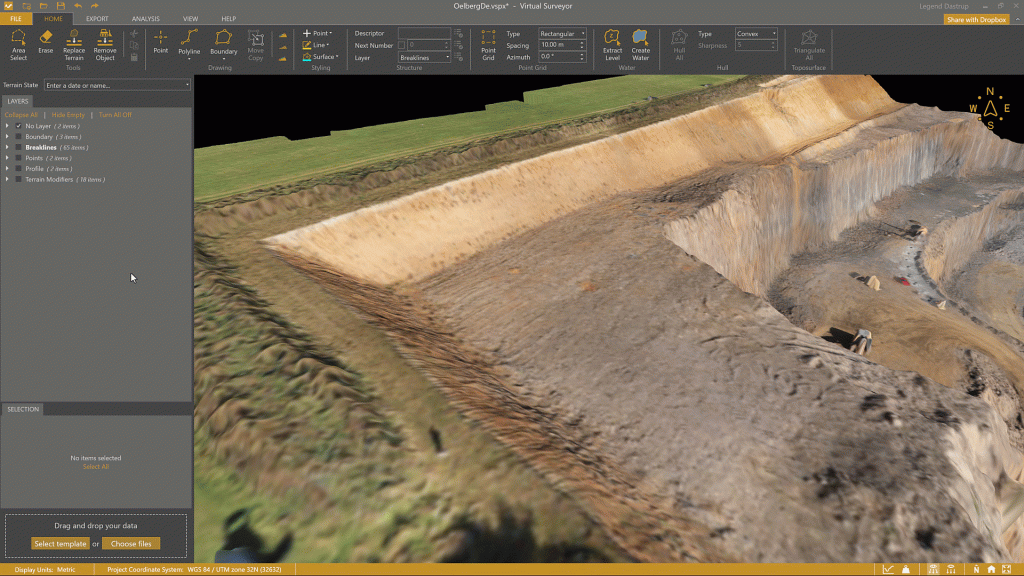
Productivity Features added to Ridge
- Guided Breakline Tool
- Q-Points
- Low-pass Points
- Section Lines
- Section Profiles
- Auto-Flip Edges
- Intersect Water with Terrain
- Extract (Elevation) Level
29 May
Improved Templates. Multiple Cameras.
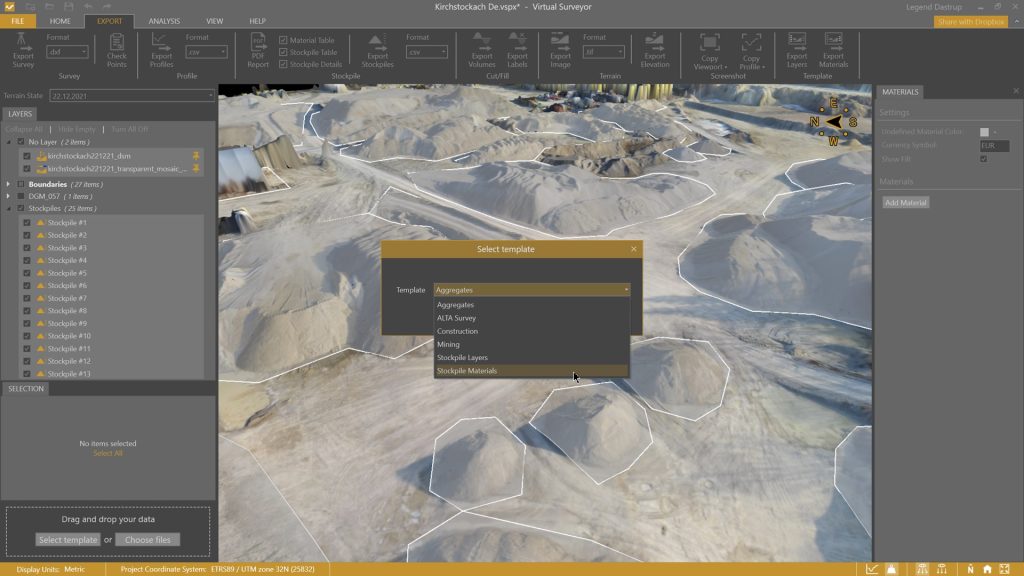
Templates
- Add templates after a project is created
- Export/Import materials
- Export/Import layers
Terrain Creator
- Combine photos from different cameras
Other Features
- Export Cut/Fill labels
- Add 2D Area label for stockpiles
18 April
Planimetric Surveying, Faster Point Cloud Conversion.
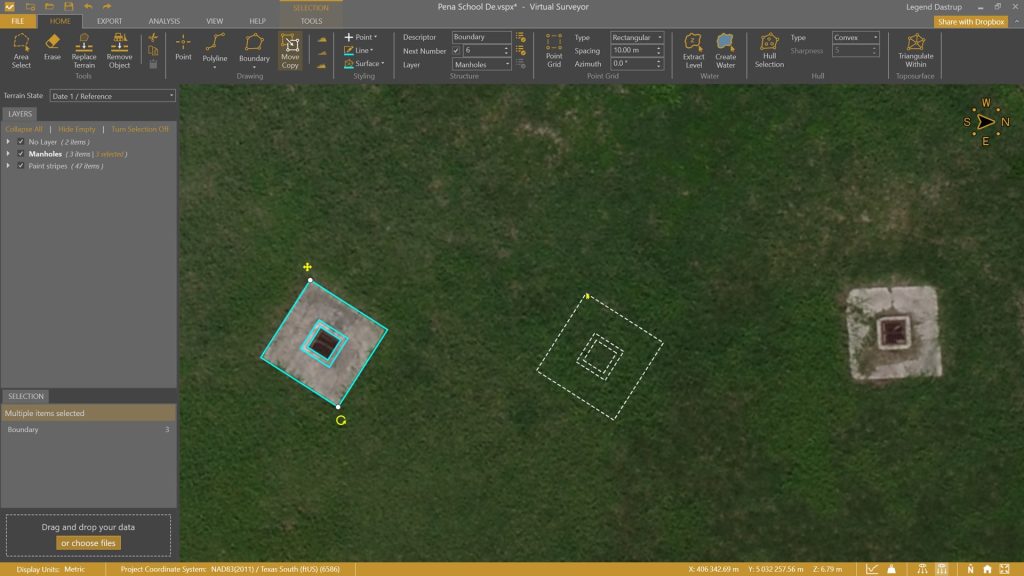
Planimetric Survey
- Move/Copy/Rotate drawing functionality
- Edit Sides of a drawing
- Draw rectangles with 'Diagonal First'
Also New
- 4x faster Point Cloud conversion
- Introducing Mini toolbars
- Display the Center of Mass
- Export Center of Mass coordinate with Cut/Fill Export
- Improved icons
21 February
Edit Surfaces. Right-click to Edit.

New Features
- Right-click to edit a point, line, boundary, profile, or surface
- Remove and add vertices when editing a surface
- Improved keyboard shortcuts for input modes
- Set a project name
- Addition of Project Settings
- Install Virtual Surveyor in silent mode
30 January
Faster Point Cloud Conversion. General Settings
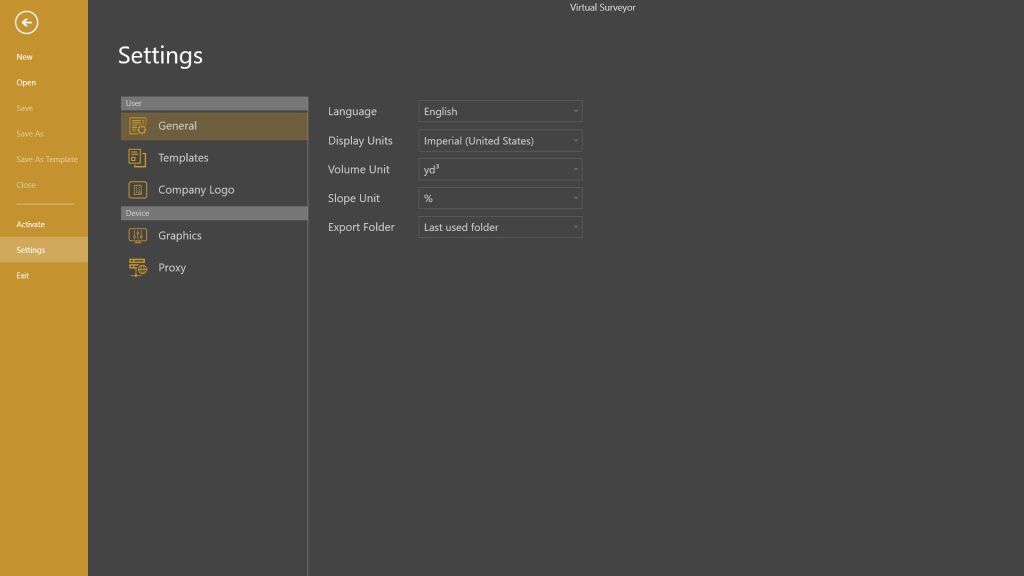
New Features
- 30% faster point cloud conversion
- Display slopes in percentage or degrees
- Choose default export folder behavior
- Show imperial volume units in yd3 or ft3
- Set Anchor and Azimuth for the Graticule Lens
- Include active Terrain State in .csv volume export
- Show volume annotations without decimals
- Sharper interface on high-resolution screens
8 January
Vertical Datums.

Terrain Creator
- Additional vertical reference systems
2023
7 December
Add Photo List. Improved Workflow.
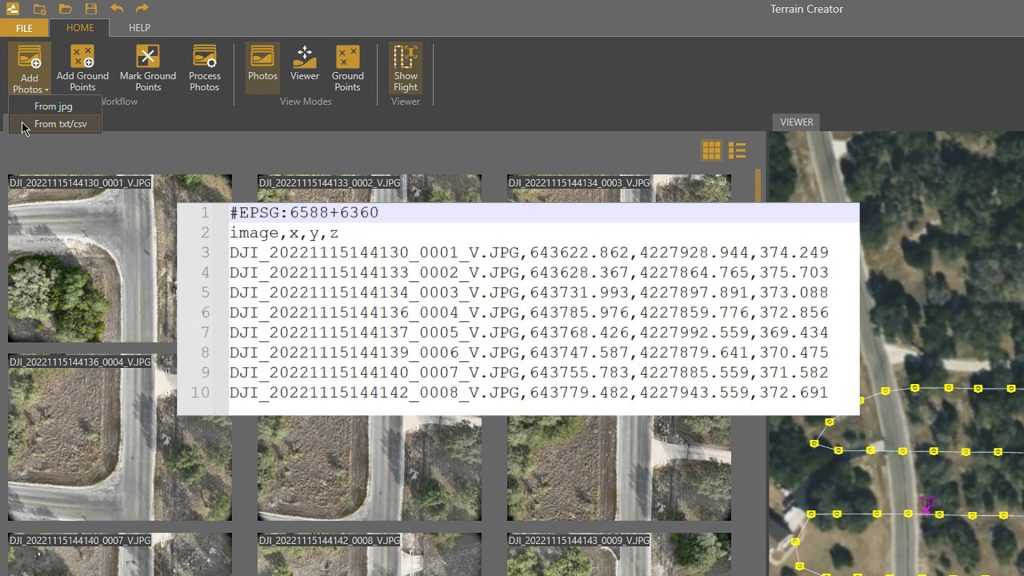
Terrain Creator
- Add Photos through .csv list
- Improved workflow (4 steps)
- Additional vertical reference systems
Virtual Surveyor
- Elevation Lens: added threshold with minimum elevation
- Display surfaces with thinner lines
- Real-time Contour update when flipping TIN edges
- Added Keyboard shortcut for Edit Vertex
- Import points with the same name as multi-point items
Common Feature
- Manually remove project file from the Recent List
`18 September
Photogrammetry. Terrain Creator.
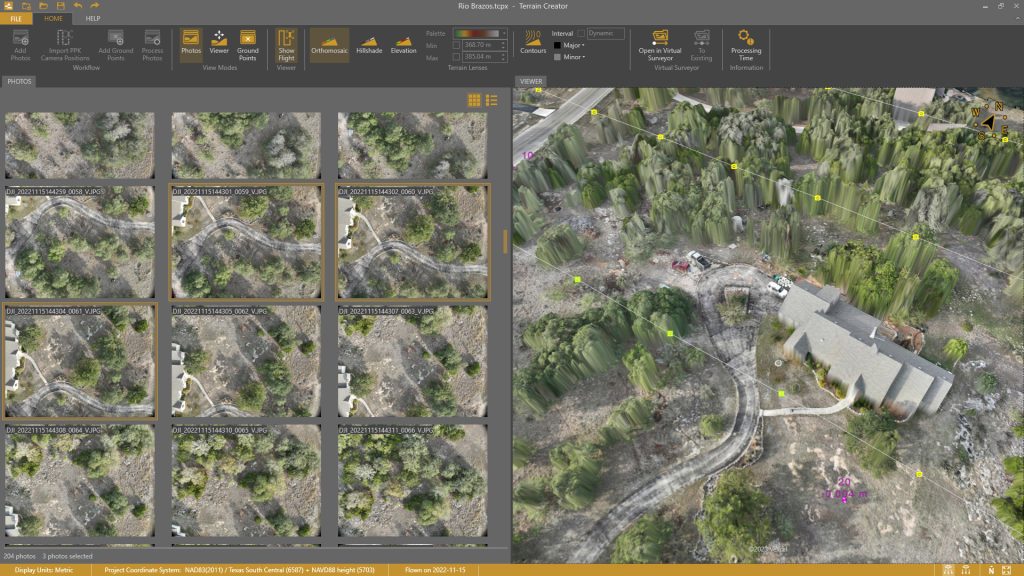
Features
- Load Geotagged Drone Photos
- Set Coordinate System
- Set Vertical Reference
- Mark Ground Control Points
- Create Orthomosaic
- Create Digital Surface Model (DSM)
- Open Ortho and DSM in Virtual Surveyor
- Add to existing Virtual Surveyor project
Ridge & Peak Subscription Plans Include
- Virtual Surveyor desktop app
- Terrain Creator desktop app
25 May
Improved Coordinate Systems. Improved Profiles.
Coordinate Systems
- Additional coordinate systems
- Improved coordinate systems search
- Support for coordinate system tag in csv files
- Improved support for 2D offset grids
- Support for Westing and Southing coordinate systems
Other Features
- Include layers tag in csv export
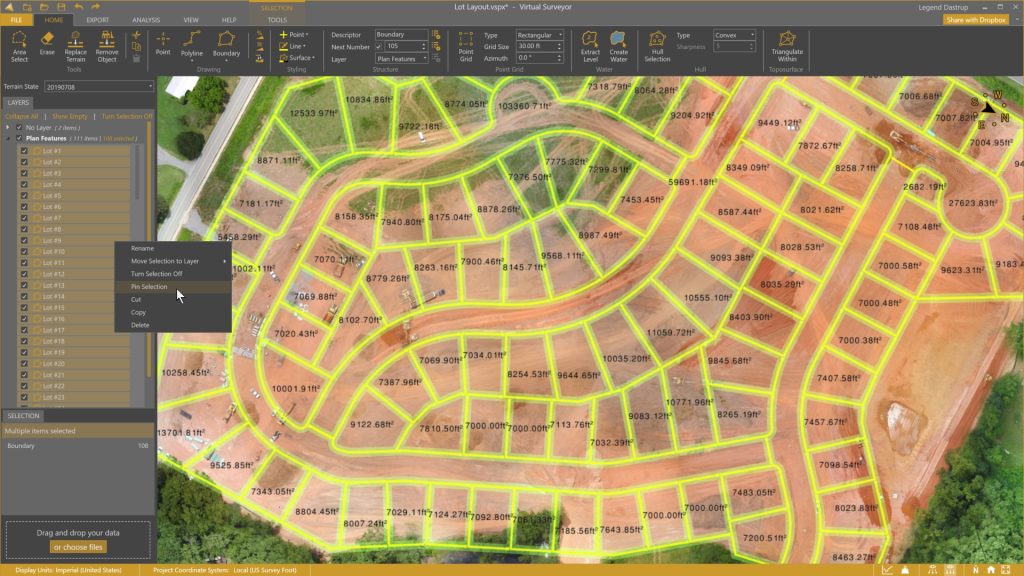
- Pin/Unpin multiple items
- Support for greyscale orthomosaics
- Improved profile sampling and export
- Profile annotations
2022 and earlier...

Auto-Flip Edges in a Surface. Improved File Navigation.
New Features
- Auto-Flip edges in a surface
- Manually flip edges on a surface
- Search box for files and folders
- Set favorite folder for Open Project
- Show Stockpiles with and without Fill
- Simplify Boundary / Polyline
- Graticule Lens
Enhanced Features
- Import multiple point cloud options simultaneously
- Move Selection items to desired Layer
- Turn Selection Off / On

Export Profiles. Improved Graphics Settings.
New features
- Export profile items to .dxf or .csv
- Display active graphics card
- Create boundary around section lines
- Station points for section lines/profiles
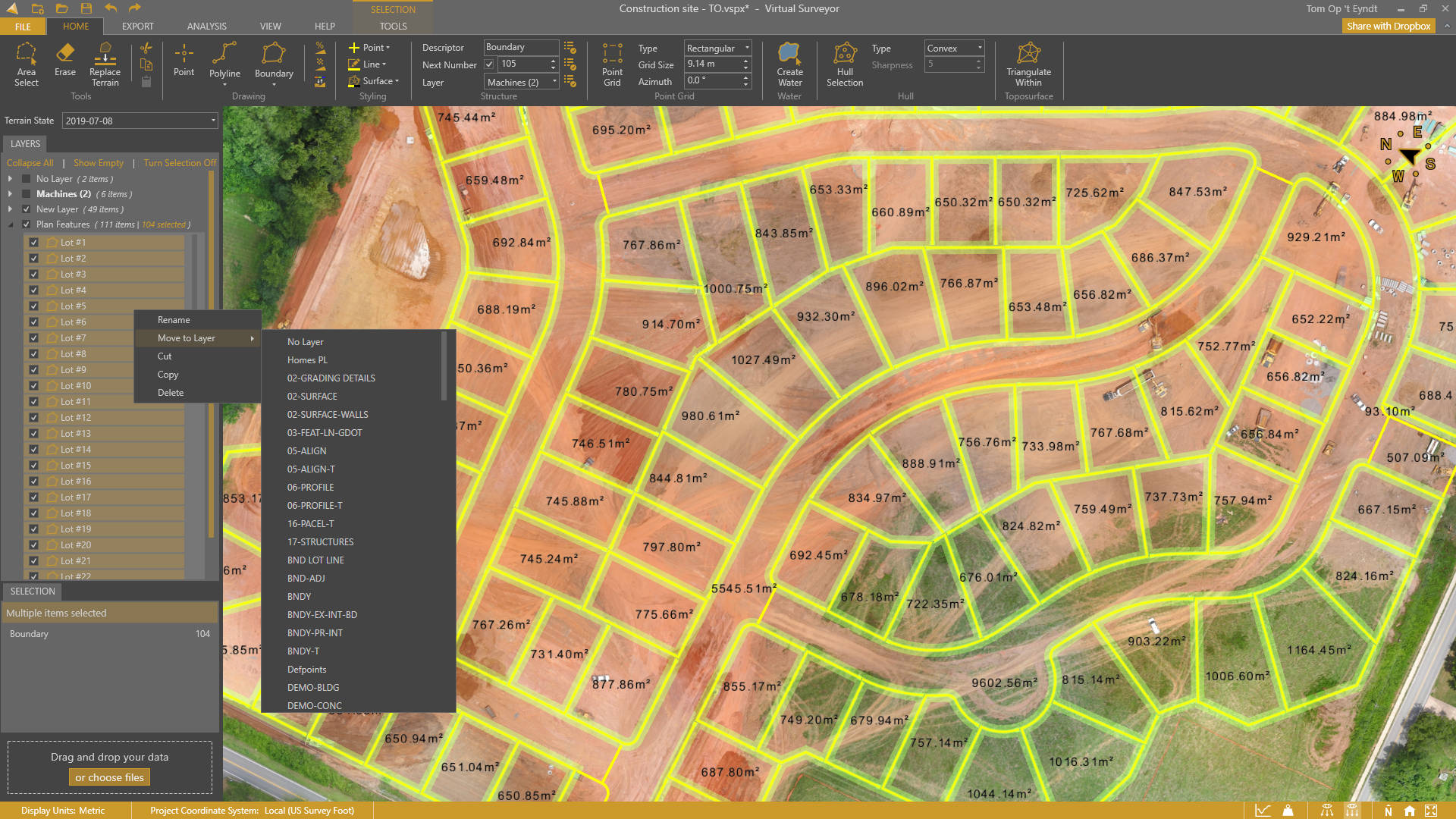
Enhanced Project View. Selection Box.
Project View
- Alphabetical sorting
- Move selection to layer
- Multi-selection
Selection Box
- Select All
- Select by Item type
New features
- Annotate 2D Area
- Panning with arrow keys
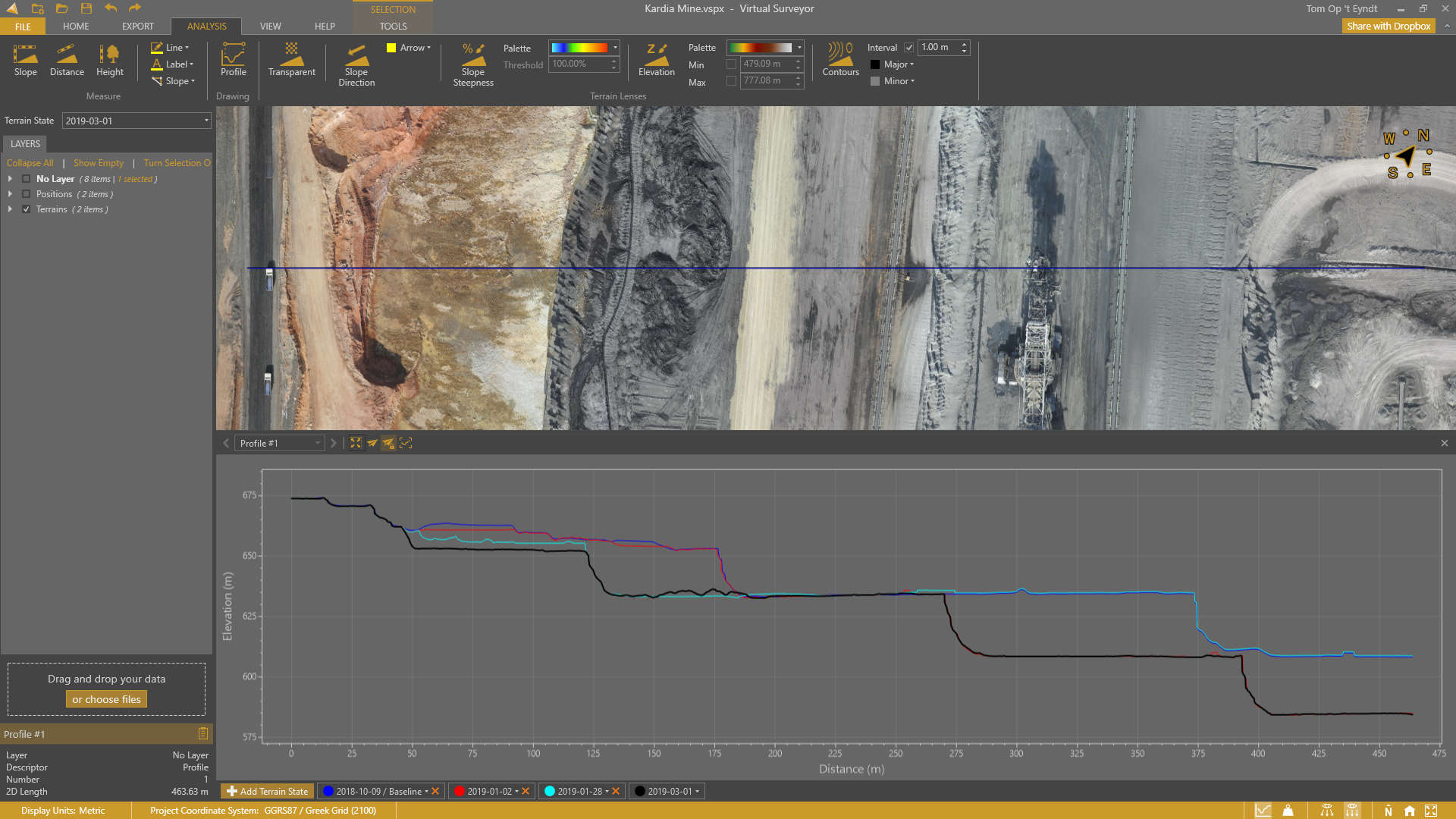
2D Profile View. KML Support.
Profile View
- Draw profiles
- Convert polylines to profiles
- 2D Profile view
- Compare profiles over time
- Section profiles
- Profile screenshots
Other features
- KML import & export
- Highlight vertices upon snapping
Usability improvements
- Toast notifications

Improved Point Cloud to DEM Conversion. Check Points.
Improved point cloud to DEM conversion
- Convert point cloud colors to an orthophoto
- Favor low or high points during DEM conversion
- Define data coordinate system
Other features
- Check Point report
- Apply elevation offset
- Generate viewport screenshots
- Clip Inside/Outside for surfaces
Usability improvements
- Primary/secondary application buttons

Stockpile PDF Reports. Project Templates.
Main Features
- Stockpile PDF reports
- Material editor
- Volume, tonnage and monetary value
- Project templates
Other new features
- Densify with low-pass option
- Drag-and-drop data in view port
- Highlight terrain modifiers
- Optimize graphics setting
- Language setting

Improved Compass. File Navigation.
New Features
- Improved compass
- XY annotation for points
Usability improvements
- File navigation improvements
- Breadcrumbs for file navigation
- Make folder during file navigation
- Browse button for New projects

Dropbox integration
New Features
- Connect your Dropbox account
- Access projects from any trusted device
- Collaborate on Dropbox team accounts
- Share projects externally
- Control access rights
View-Only Mode
- Avoid collaboration editing conflicts
- Share projects while maintaining control
User Experience
- Download progress when acessing online projects
- File navigation through backstage menu
- Move to Dropbox
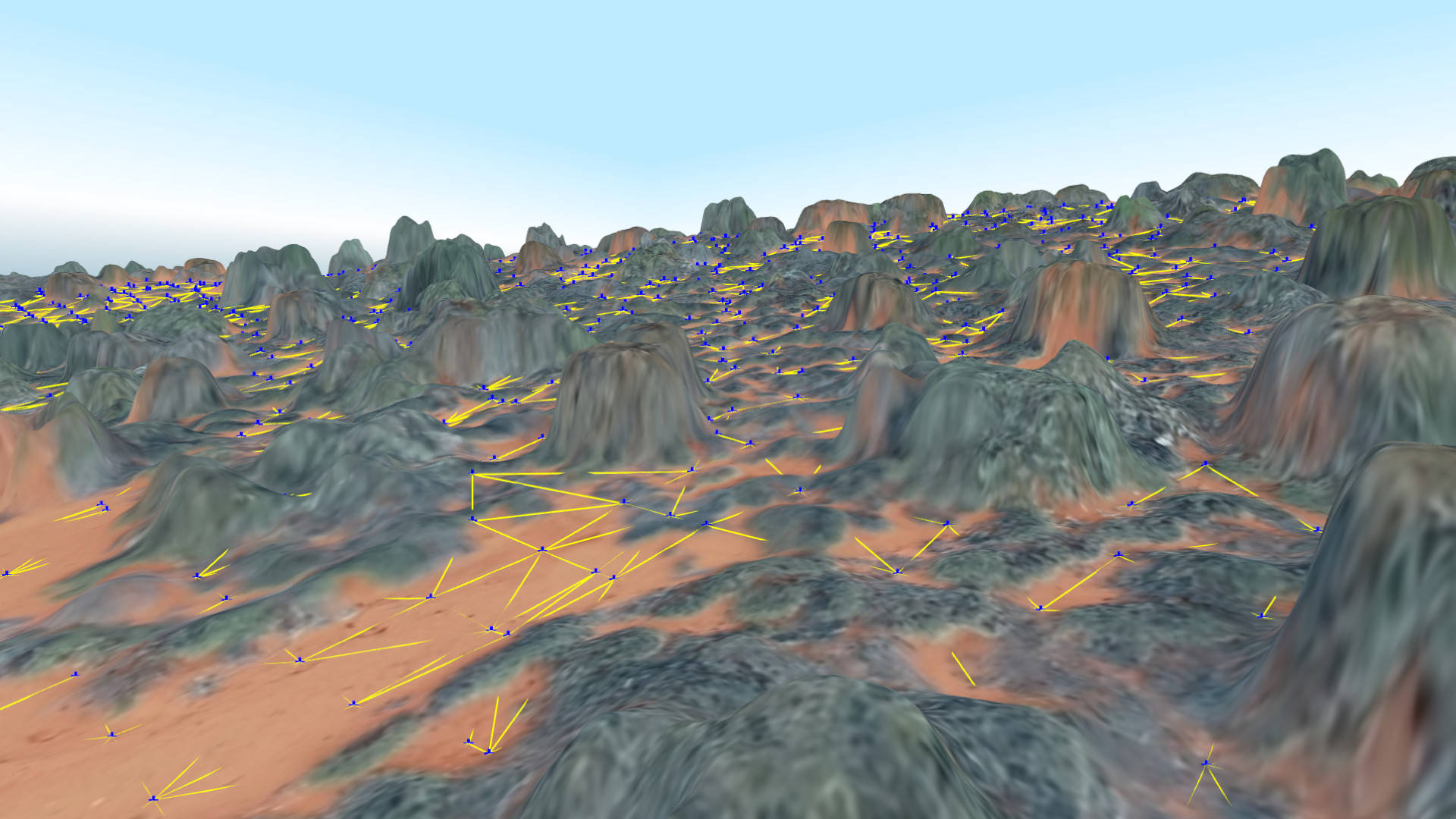
Improved low-pass gridding. Measurement styling.
New Features
- Measurement style
- Shortcut overview in Help tab
Feature enhancements
- Improved low-pass algoritm
- Improved LandXML import

Curb & gutter
New Features
- Offset lines
- Draw arcs
- Import arcs
- Draw circles
- Draw rectangles
- Vertex elevation interpolation
Usability Improvements
- Input settings for editing
- Toggle all Image terrains on/off
- Snapping control through interface
Feature enhancements
- Contour lens: dynamic contours
- Additional coordinate systems
- Import orthophotos from .ecw format
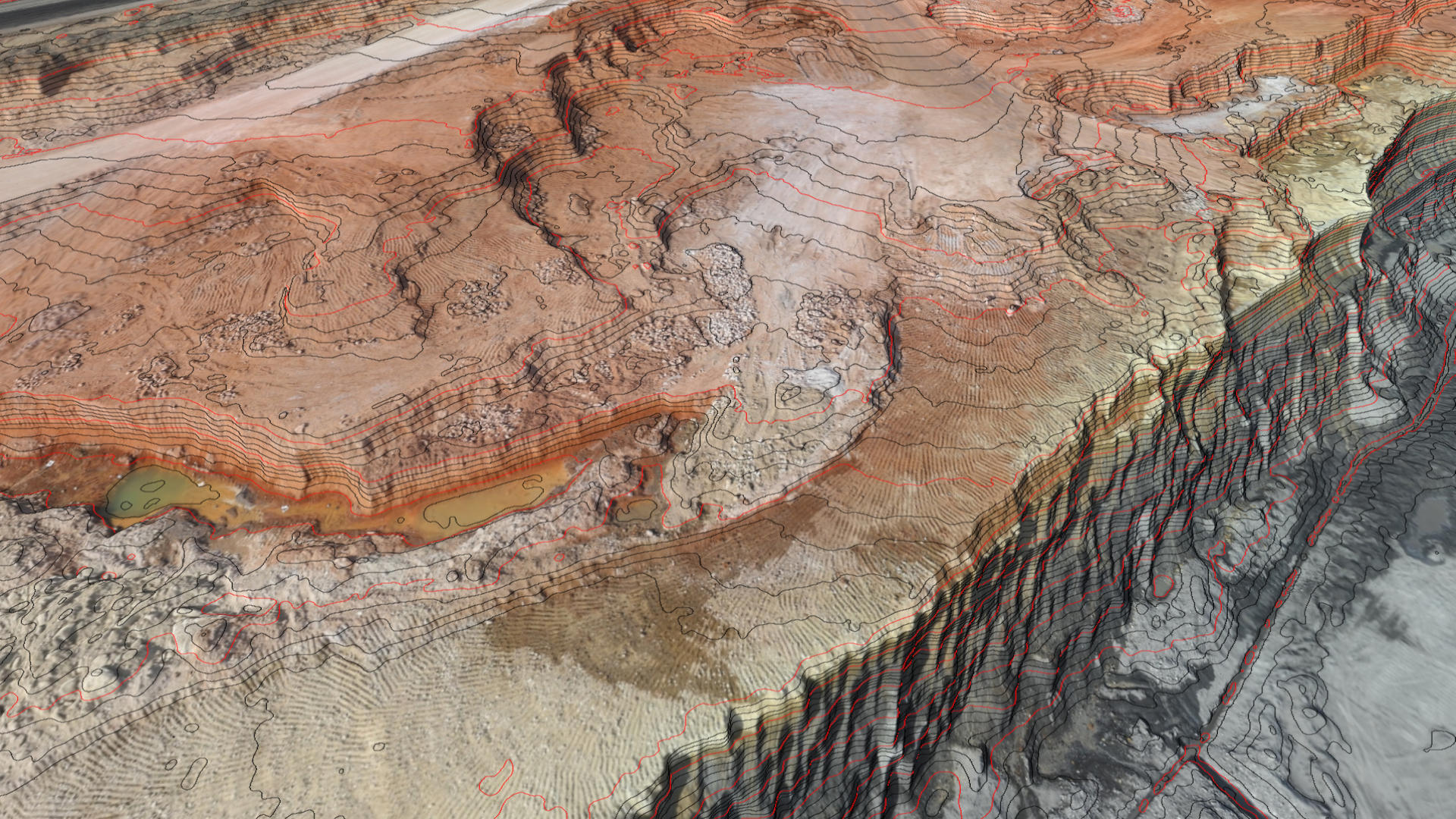
Terrain Lens Enhancements
New Features
- Contours lens: Set Major and Minor colors
- Slope Directions lens: Set Arrow color
Performance Improvements
- Terrain export speed
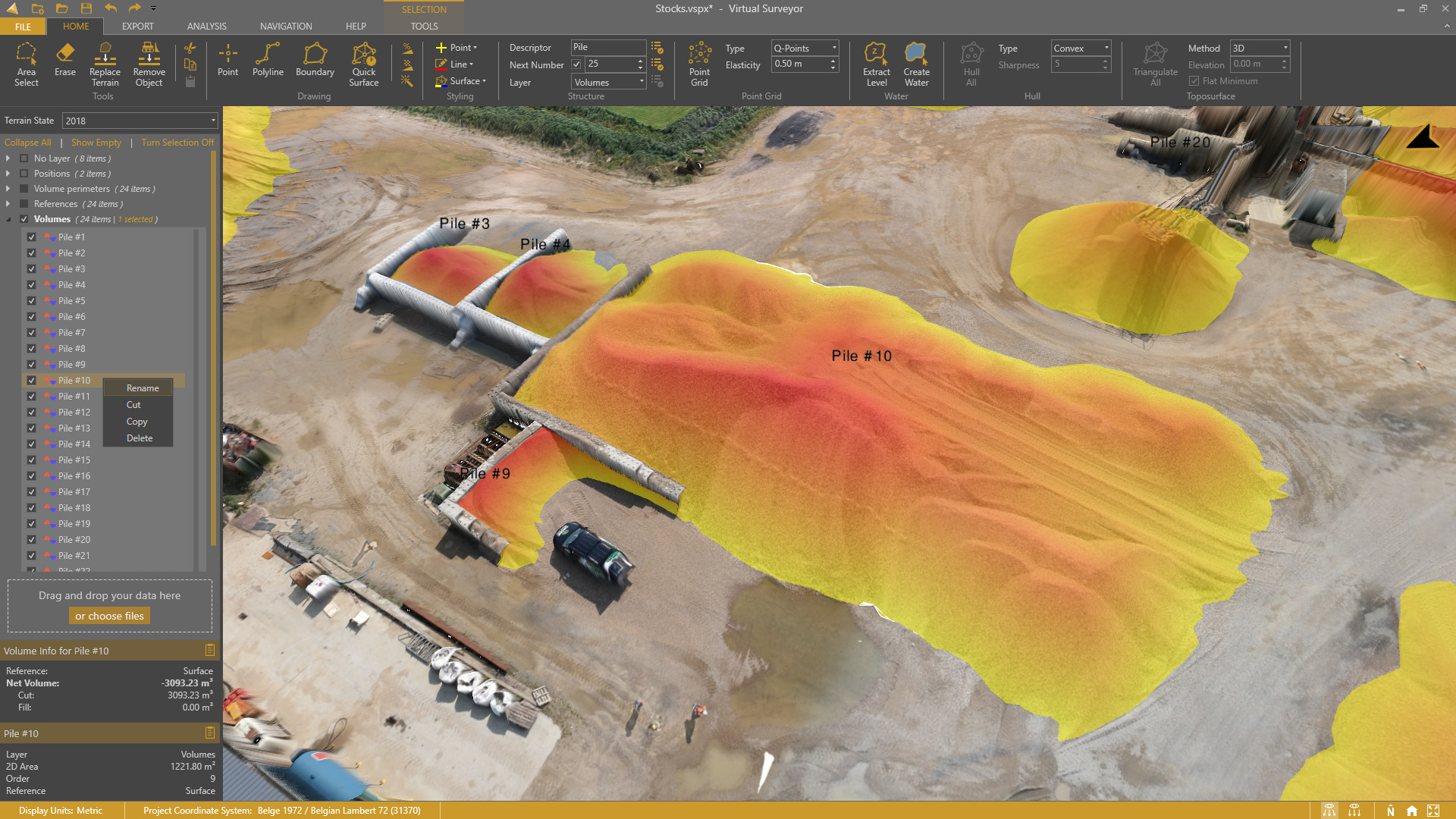
Ridge Plan. Improved Project View. Extended Valley Features.
Plan renaming
- Mountain is now called Ridge
Improved project view
- Drag-and-drop items between layers
- Right-click context menu
Context menu functionality
- Rename and remumber items
- Rename a layer
- Add a layer
- Delete empty layers
- Set active layer
- Copy/Cut/Paste items
Extended Valley Features
- Draw points, lines and boundaries
- Mosaic tools
- Export survey
- Export ortho
Ridge Plan. Improved Project View. Extended Valley Features.
Plan renaming
- Mountain is now called Ridge
Improved project view
- Drag-and-drop items between layers
- Right-click context menu
Context menu functionality
- Rename and remumber items
- Rename a layer
- Add a layer
- Delete empty layers
- Set active layer
- Copy/Cut/Paste items
Extended Valley Features
- Draw points, lines and boundaries
- Mosaic tools
- Export survey
- Export ortho

Remove Machines. Cut/Fill Heights.
New Features
- Remove Objects
- Cut/Fill Spotheights
- Extract Cut/Fill Area
- Hide Empty Layers
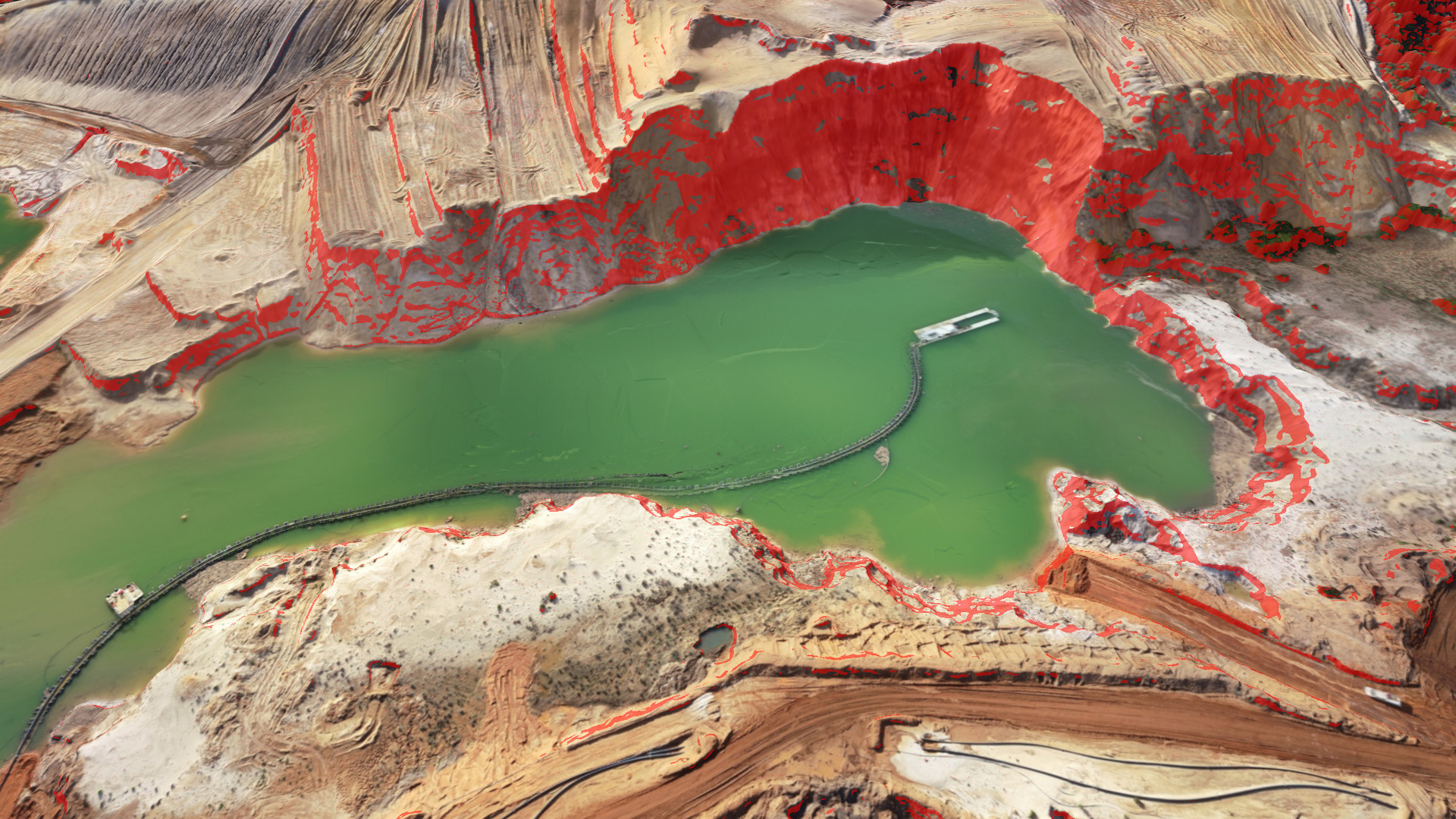
Steepness Threshold. 2D Map View.
New Features
- Slope steepness threshold
- 2D view mode
- Multi-vertex editing
- Convert polylines to boundary
- Min/Max setting for elevation lens
- Improved Valley interface
- Help tab

Flatten Water. Basin Fill Volumes.
New Features
- Water item
- Extract level
- Remove triangles from surfaces
- Clip surfaces
- Terrain export to .jp2
- Annotation styling
User Experience
- Easier surface styling
- Reworked Export Tab
- Rectangle Selection
And also
- Support for the new Australian Coordinate System
- Faster Terrain Export
Volume Difference Calculations. Cut/Fill Maps.
New Features
- Cut/Fill Maps
- Volume Difference Calculations
- Terrain States
- Clean Terrain of “Nearly-Free” Surface Objects
- Height Difference Tooltip
- Calculate Center of Mass
- Keyboard Navigation
And also
- Multipoint Item
- Updated Ribbon

Terrain Lenses. Split Lines. Copy/Paste.
New Features
- Hillshade Lens
- Contours Lens (Improved Contours)
- Transparency Lens
- Combine Terrain Lenses
- Cut, Copy and Paste Items
- Split Lines
- Adjustable Projectview
- Improved Q-Points Algorithm
Performance Improvements
- Faster Application Startup
- Smoother Navigation for Projects with Large Surfaces
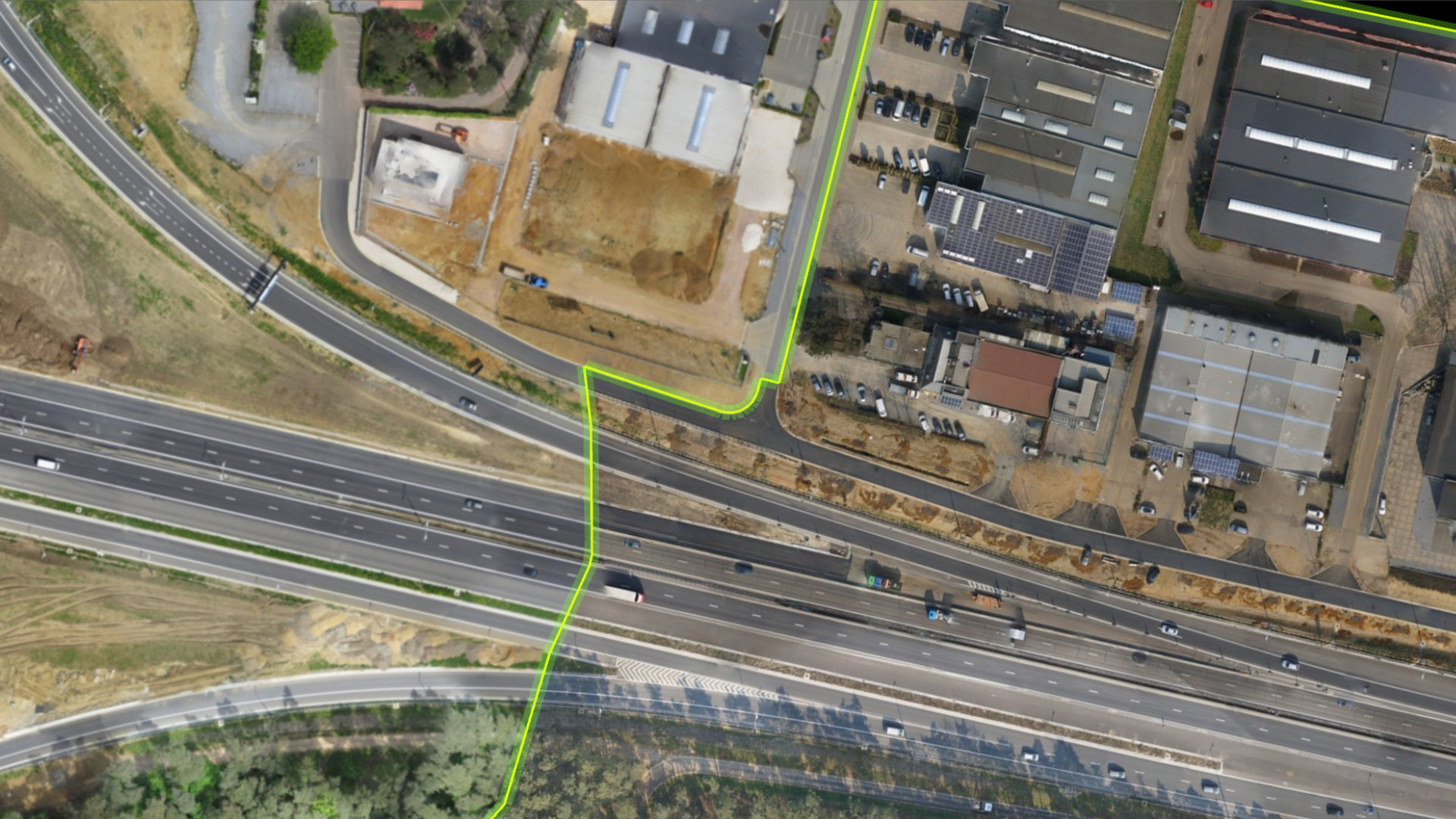
Clip Terrains. Create Mosaics. Fly-Throughs.
Terrain Tools
- Clip Terrains with a Boundary
- Create Mosaics from Multiple Terrains
- Export Clipped & Mosaicked Terrains
Numbering
- Renumber Piles & Other Items
- Renumber Number Series
Export Volumes
- Export Volumes to a Shapefile
- Export Volume Annotations to dxf
- Export Volumes as Boundaries
And also…
- Create Fly throughs
- Create Convex and Concave Hulls
- Extract Points from Lines, Boundaries & Surface
- Select Within a Boundary
- Display Surfaces as Triangles, Contour or a Boundary